1. Where will it go?
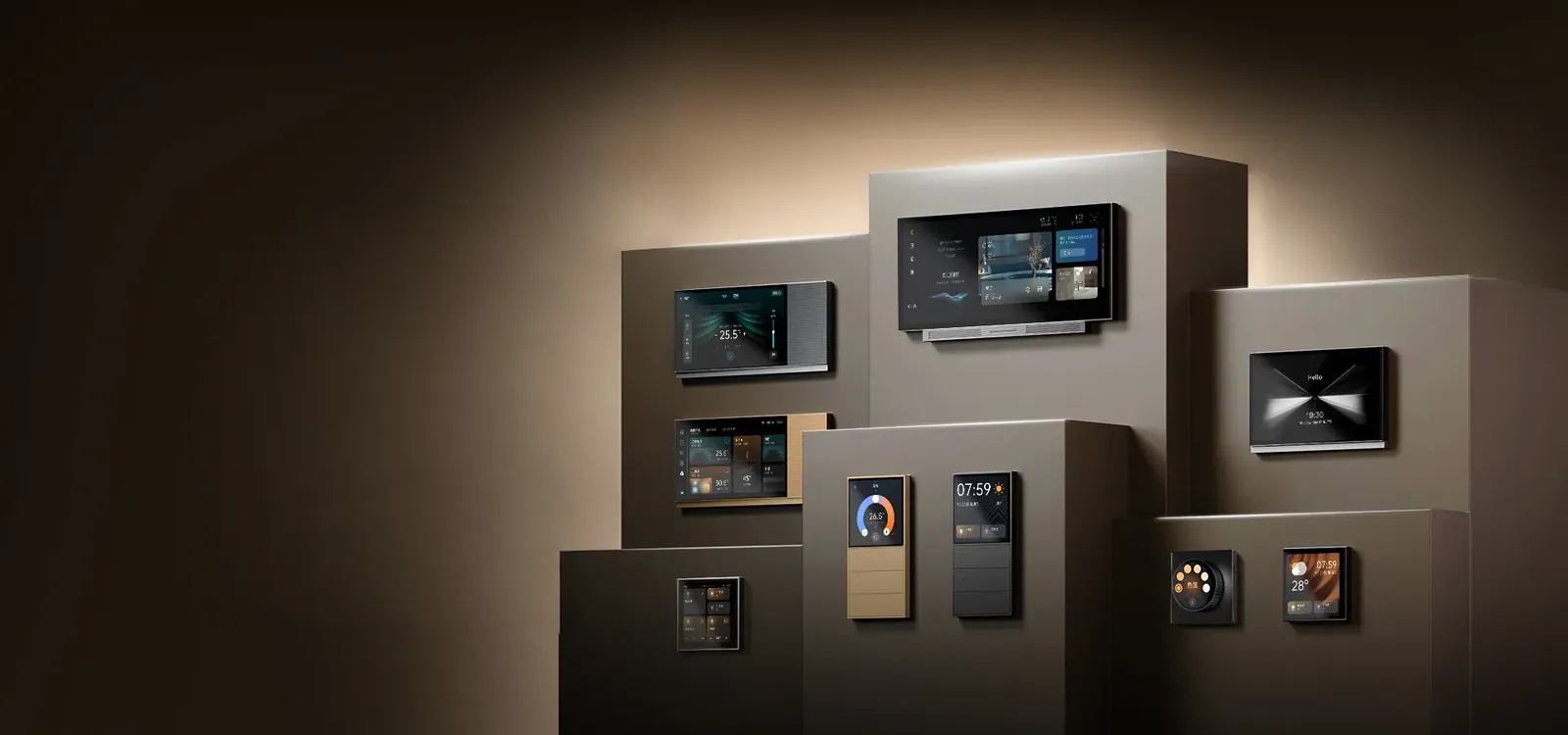
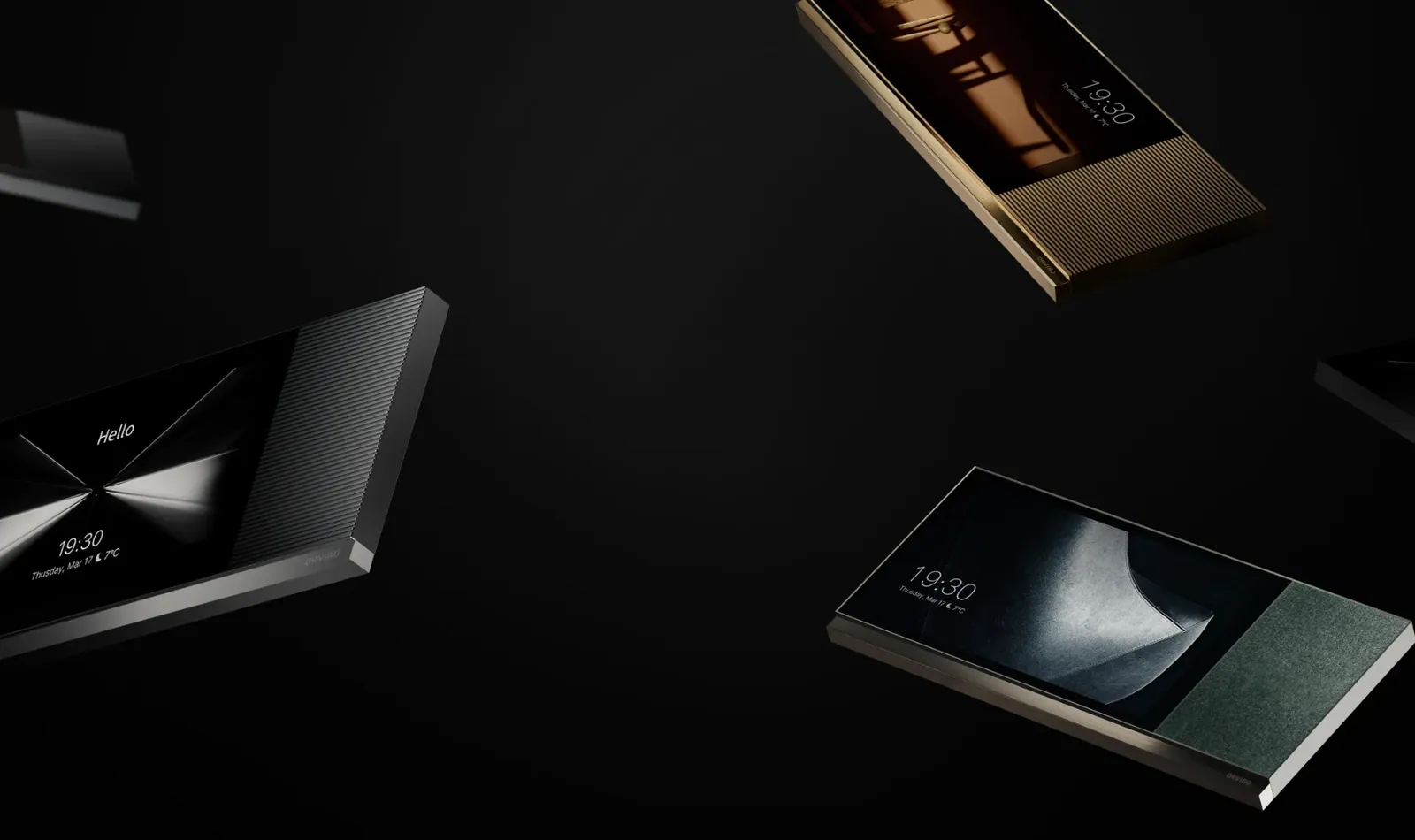
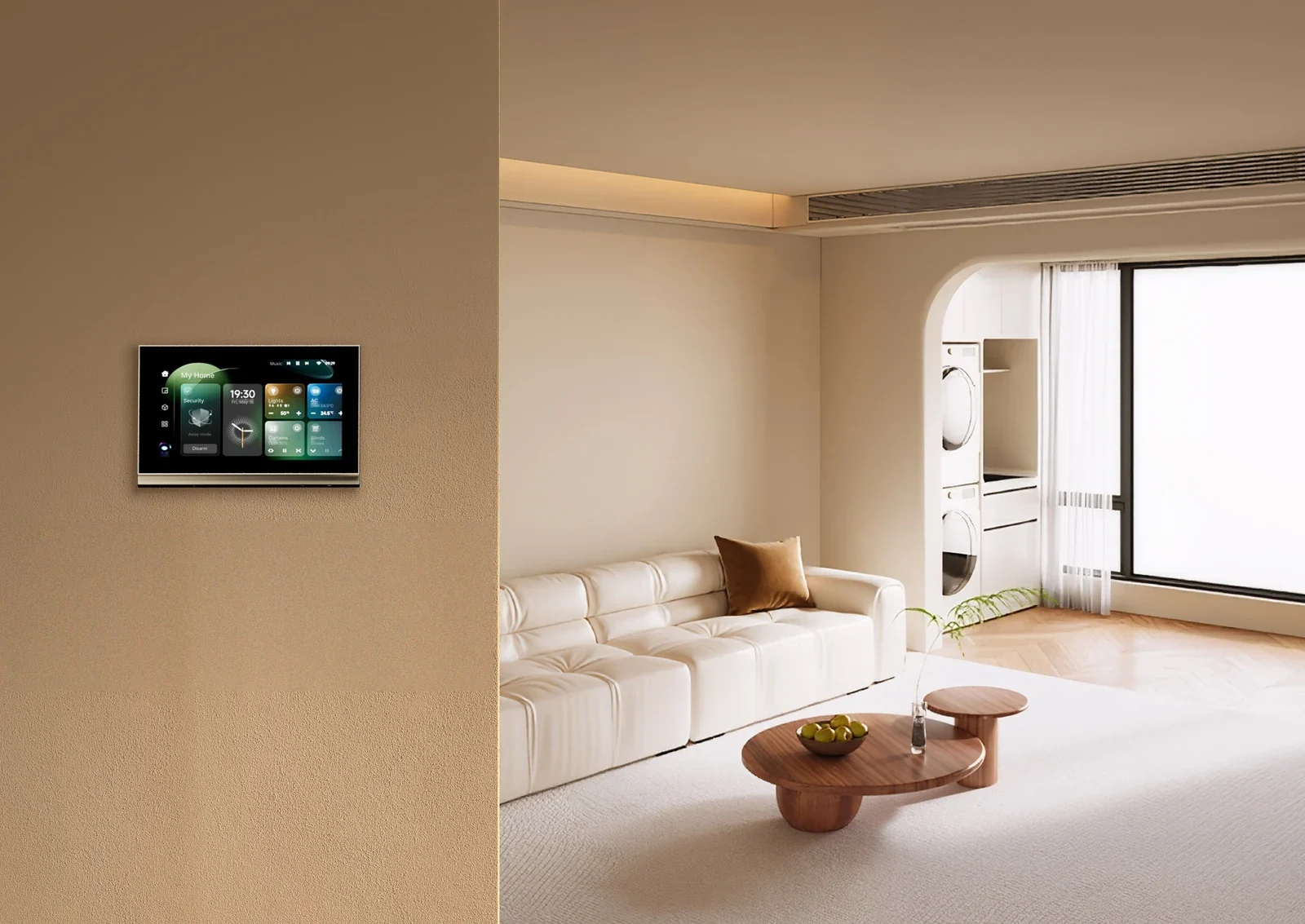
Start with the room. The main panel usually sits at the entrance to the living area, where it can show the state of the whole home. Bedrooms need a smaller panel by the door or the bed. Large open-plan spaces and feature walls can take a wider screen.
| Panel | Screen | Suited to |
|---|---|---|
| MixPad 4 | 4″, 480 × 480 | Bedrooms and smaller rooms |
| MixPad 7 | 7″, 1024 × 600 | Living rooms of 20 m² and up |
| MixPad 10 | 7″, 1024 × 600, 180° viewing angle | Spaces of 30 m² and up, with built-in speakers |
| MixPad 12 | 12.3″, 1920 × 720 | Living rooms and feature walls in larger homes |
| MixPad M5 | 4″, 480 × 480 | Rooms where voice control matters |
2. Which lights will it switch?
A panel that replaces a light switch has to switch those lights itself. Compare the number of built-in lighting circuits and the load per circuit with the switch it replaces. MixPad 7 switches two circuits of up to 400 W each, MixPad 4 has two lighting circuits at 400 W, MixPad 12 two circuits at 600 W, and MixPad 10 four circuits of up to 800 W in total. MixPad M5 switches four gangs with touch dimming, up to 800 W in total.
3. How many devices will it run?
In the ORVIBO system the panel is also the Zigbee gateway, so its capacity sets the size of the system: up to 256 devices on MixPad 4 and MixPad M5, 300 on MixPad 7 and 350 on MixPad 12. Count the Zigbee devices that will pair with the panel and leave room for later additions. Check wired lighting circuits against the panel’s relay ratings, and list infrared-controlled air conditioners and TVs separately.
4. What else should it control?
- Air conditioners and TVs that are not smart: MixPad 4 and MixPad 7 include an infrared transmitter for more than 9,600 brands.
- Curtains, locks and sensors on the same Zigbee system, controlled from the panel and from the ORVIBO Home app.
- Connections to other building systems: MixPad 12 has an RS485 port.
5. Voice and sound
MixPad M5 has Alexa built in. MixPad 10 has built-in speakers (4 W + 4 W + 2 W) and a dual microphone, and MixPad 12 has two 2 W speakers and an omnidirectional dual microphone.
An example: a three-bedroom home
- Living room: MixPad 7, or MixPad 12 on a feature wall.
- Each bedroom: MixPad 4 by the door or the bed.
- Kitchen, corridors and bathrooms: MixSwitch switches and a scene panel.
- Curtains, sensors, the door lock and the air conditioners join the same system and are controlled from the panels and the app.
Datasheets for every MixPad model are available on request from sales@orvibo.com, and ORVIBO partners can prepare a device list from a floor plan.