Wi-Fi: simple for a few devices
A Wi-Fi device connects straight to the home router, so a plug, a camera or a speaker works without a hub. That convenience has limits in a whole-home system. Every device takes a connection on the router, and many home routers become unreliable with dozens of clients. Wi-Fi radios use more power, so battery sensors are rare. If the router or the internet connection fails, devices that depend on the cloud stop responding to the app.
Wi-Fi remains the right choice for devices that move a lot of data, such as cameras.
Zigbee: a mesh for switches, panels and sensors
Zigbee is a low-power wireless standard made for home and building control. The devices form a mesh: mains-powered devices such as switches and panels pass messages on for their neighbours, so coverage grows as more devices are installed. Battery devices such as door and motion sensors run for a long time because the radio uses very little power.
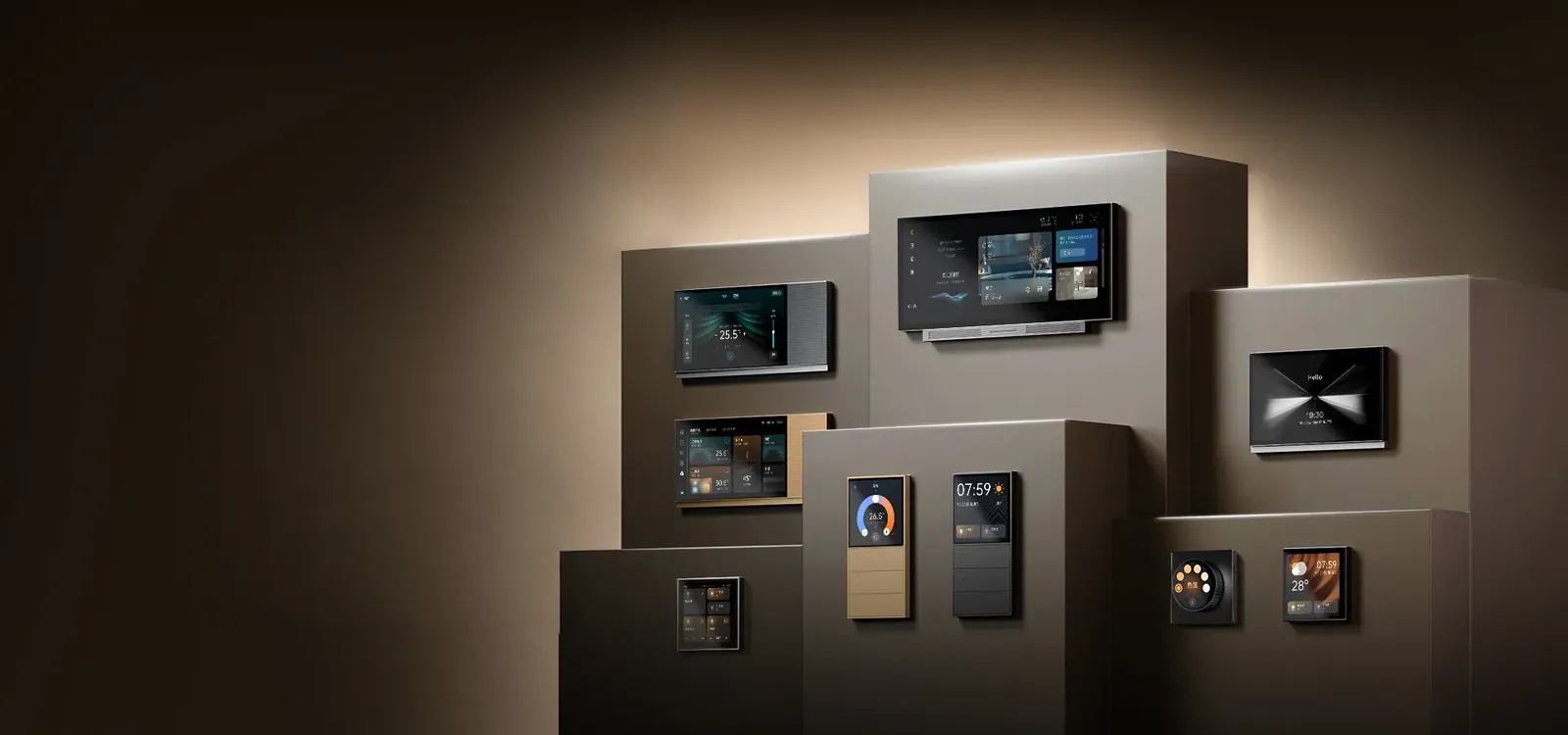
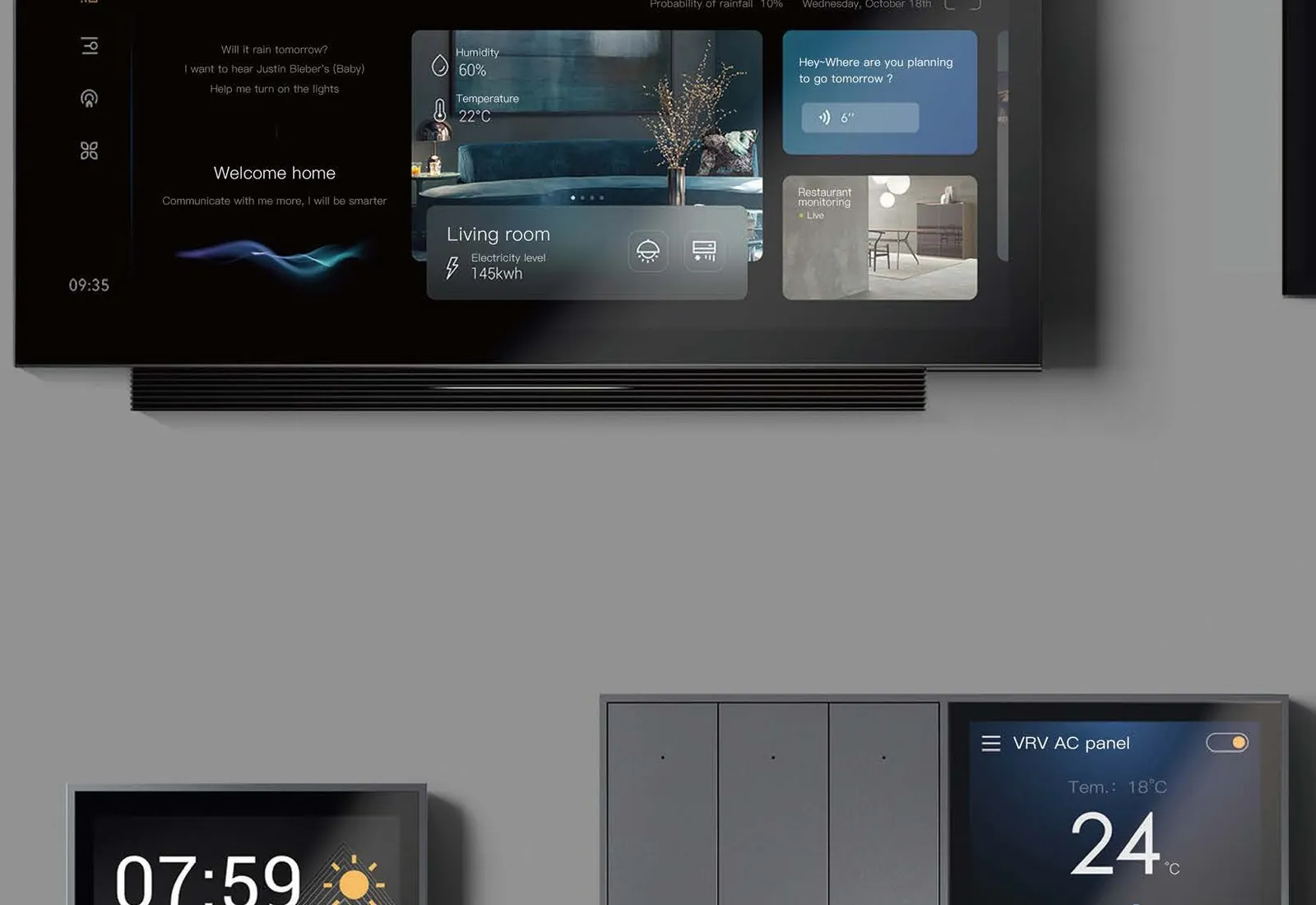
A Zigbee system needs a gateway, which connects the devices to the app and to the internet. When the gateway also runs the scenes and automations, switches, sensors and scenes keep working inside the home while the internet is down. In ORVIBO systems the MixPad panel is the gateway: MixPad 4, MixPad M5, MixPad 7 and MixPad 12 each have a built-in Zigbee 3.0 gateway.
Wired bus systems
In wired systems such as KNX, every switch, sensor and actuator connects to a dedicated control cable. They are dependable and common in large villas and commercial buildings. The cabling has to be planned during design, installation and programming take longer, and adding devices later usually means opening walls, so wired systems are hard to retrofit.
Side by side
| Wi-Fi | Zigbee | Wired bus | |
|---|---|---|---|
| Connection | Each device to the router | Mesh through a gateway | Control cable to every device |
| Suited to | Cameras and media | Switches, panels, sensors, locks, curtains | Large new buildings |
| Battery devices | Few | Common | Rare |
| Without internet | Depends on the device | Local control through the gateway | Local control |
| Retrofit | Easy | Easy, no new cables | Difficult |
| Planning | Router coverage | Gateway and device positions | Cabling at design stage |
How the ORVIBO system is built
ORVIBO switches, panels, sensors, curtain motors and locks use Zigbee 3.0. The gateway is built into the MixPad control panels, so the panel on the wall is also the hub of the home: a MixPad 7 runs up to 300 Zigbee devices, a MixPad 12 up to 350 and a MixPad 4 up to 256. The panels join the home network over Wi-Fi for the ORVIBO Home app and remote access.
Mains-powered devices extend the mesh; each Touch Pro switch, for example, also repeats the system signal. Wall switches and panels keep controlling the lights when the internet is down, and ORVIBO smart locks open with fingerprint, code, card or key without a connection. Air conditioners and TVs that are not smart can be controlled through the panel’s infrared transmitter, which covers more than 9,600 brands.
Before installation
- Count the devices room by room, including lights, curtains, sensors and air conditioners, to size the system.
- Choose where the MixPad panels go: usually one in the main living area, with smaller panels in the bedrooms.
- Check the switch boxes: whether a neutral wire is available and which box size is standard locally. MixSwitch switches come in versions with and without a neutral wire.
- Plan Wi-Fi coverage for the panels and any Wi-Fi cameras. For the S3 outdoor camera, plan an Ethernet cable to the mounting point for PoE.
- In larger homes, make sure every floor has mains-powered Zigbee devices to carry the signal.
ORVIBO partners can turn a floor plan into a device list and a system design. Send an inquiry with the plan and the rooms you want to control.